🟦 Pillar 1: HTML - Lesson 1.1
Building HTML Fundamentals
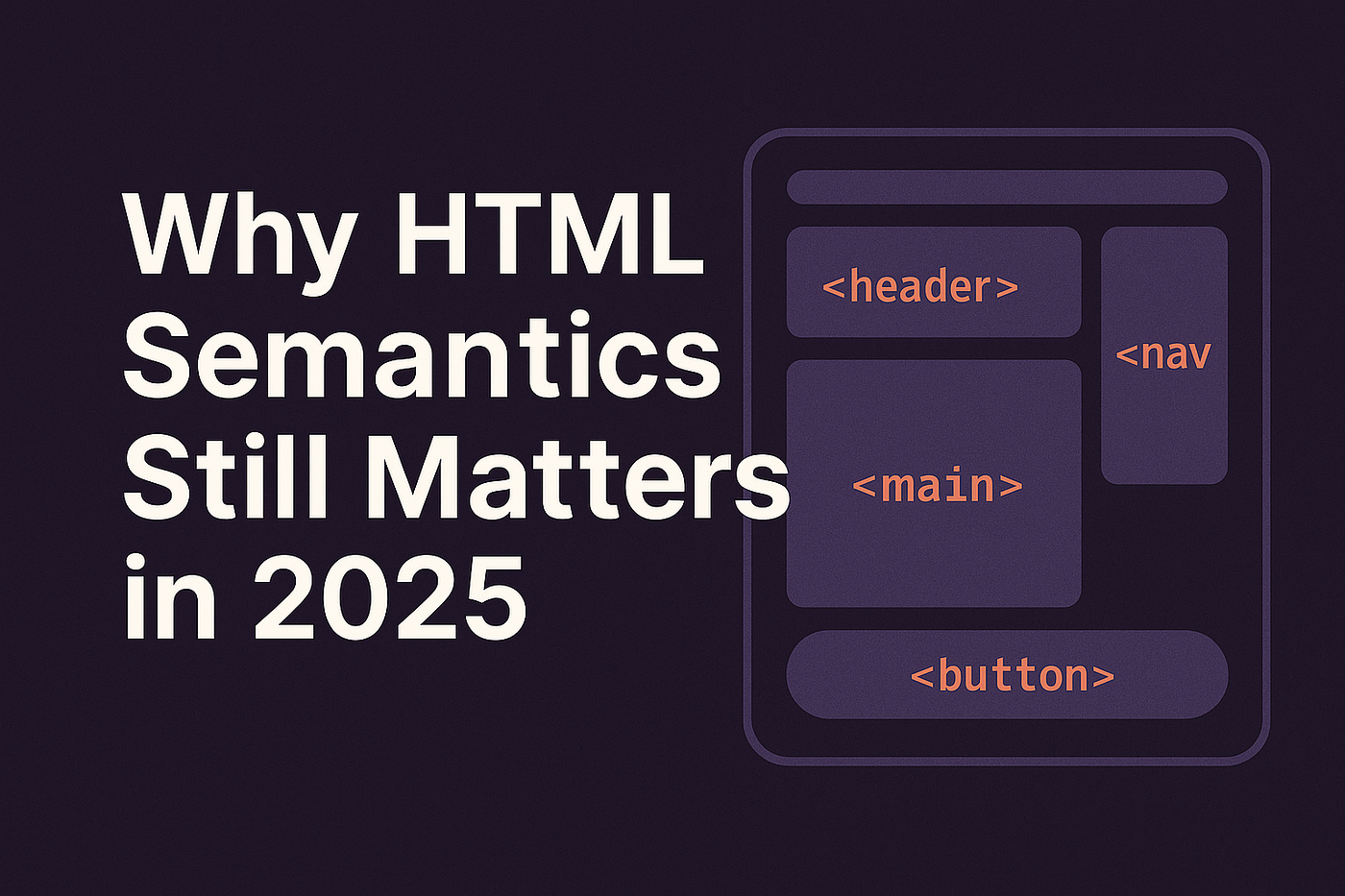
The Concept: HTML is the foundation of web development. It structures content that browsers can interpret and display.
HyperText Markup Language (HTML) is the standard markup language for creating web pages. HTML provides the structure and semantic meaning to web content. Every element from headings to paragraphs, links to forms—all are defined with HTML tags that tell browsers how to display and organize information.
Why HTML Matters
- Structure: HTML creates the backbone of every website.
- Semantics: Proper HTML tags improve readability for browsers and search engines.
- Accessibility: Well-structured HTML helps assistive technologies serve users with disabilities.
- SEO Impact: Search engines rank websites higher when HTML structure is clean and semantic.

🟦 Pillar 1: HTML - Lesson 1.2
Building Your First HTML Page
🛠️ The Lab: Create a Personal Profile Page
Step 1 - Setup: Create an HTML file named "profile.html" in your code editor.
Step 2 - Add Structure: Use HTML5 semantic tags (header, nav, main, footer).
Step 3 - Content: Add your name, bio, skills list, and contact information using appropriate tags.
Step 4 - Validate: Check your HTML structure using the W3C HTML Validator.
Step 1 - Setup: Create an HTML file named "profile.html" in your code editor.
Step 2 - Add Structure: Use HTML5 semantic tags (header, nav, main, footer).
Step 3 - Content: Add your name, bio, skills list, and contact information using appropriate tags.
Step 4 - Validate: Check your HTML structure using the W3C HTML Validator.

Essential HTML Tags You'll Use
- <h1> to <h6>: Heading hierarchy for structure.
- <p>: Paragraphs for text content.
- <a>: Links to other pages or resources.
- <form>: Interactive forms for user input.
📝 Your Turn: Build Your Profile Page
🟦 Pillar 1: HTML - Lesson 1.3
Shopping List & Knowledge Check
🛒 Tools for Pillar 1: HTML Development
- Code Editor (VS Code, Sublime Text, or WebStorm)
- Web Browser (Chrome, Firefox, Safari for testing)
- Developer Tools (Built-in browser inspector for debugging)
- W3C HTML Validator (for validating your code)
- Git & GitHub (for version control and collaboration)
❓ Which HTML tag is used to define the main content of a page?
🟩 Pillar 2: CSS - Lesson 2.1
Styling with CSS Basics
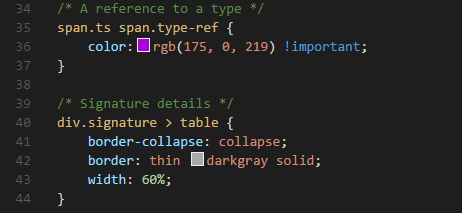
The Concept: CSS (Cascading Style Sheets) transforms plain HTML into visually appealing, responsive designs.
While HTML provides structure, CSS provides styling. With CSS, you control colors, fonts, spacing, layout, animations, and responsive behavior. CSS allows you to separate content from presentation, making websites maintainable and flexible.
Benefits of Learning CSS
- Visual Control: Make your websites look professional and modern
- Responsive Design: Ensure your site works on mobile, tablet, and desktop
- Maintainability: Update styles globally without touching HTML
- Performance: Optimize page loading with efficient CSS
- Animations: Create engaging user experiences with smooth transitions
🟩 Pillar 2: CSS - Lesson 2.2
Creating Responsive Layouts with CSS
🛠️ The Lab: Build a Responsive Portfolio
Step 1: Create a 3-column layout that stacks on mobile (1 column).
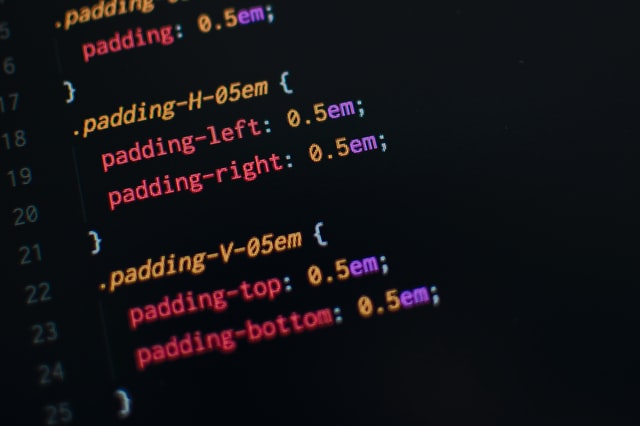
Step 2: Add Flexbox or CSS Grid for responsive behavior.
Step 3: Style with Flexbox and media queries for different screen sizes.
Step 4: Test responsiveness using browser DevTools device emulation.
Step 5: Add animations and hover effects with CSS transitions.
Step 1: Create a 3-column layout that stacks on mobile (1 column).
Step 2: Add Flexbox or CSS Grid for responsive behavior.
Step 3: Style with Flexbox and media queries for different screen sizes.
Step 4: Test responsiveness using browser DevTools device emulation.
Step 5: Add animations and hover effects with CSS transitions.
📝 Document Your Responsive Design
🟩 Pillar 2: CSS - Lesson 2.3
Setup & Knowledge Check
🛒 Tools for Pillar 2: CSS Development
- CSS Preprocessor (Sass or PostCSS for advanced styling)
- UI Framework (Bootstrap or Tailwind CSS for rapid development)
- Browser DevTools (for inspecting and debugging CSS)
- Responsive Design Tester (for testing across devices)
- Color Picker Tool (for selecting and managing color palettes)
❓ Which CSS layout technique is best for responsive design?
🟨 Pillar 3: JavaScript - Lesson 3.1
JavaScript Fundamentals
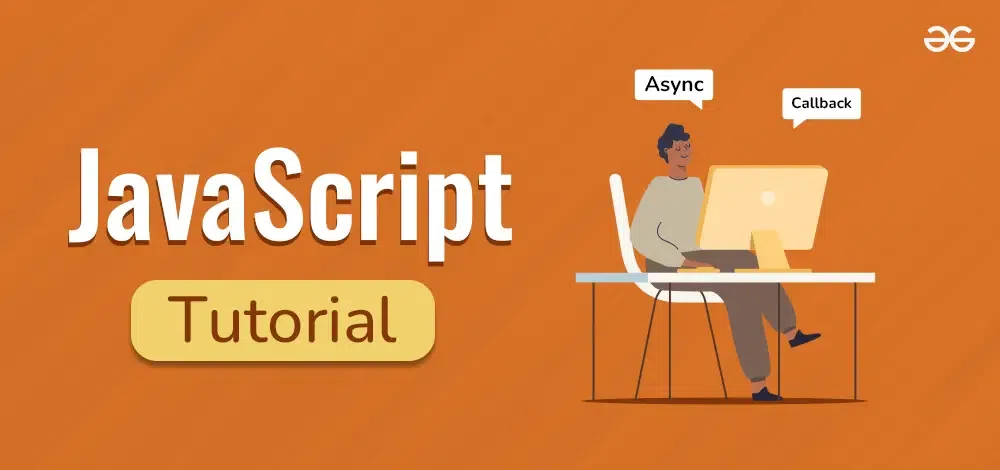
The Concept: JavaScript brings interactivity to websites. It handles user interactions, data validation, and dynamic content updates.
Organic pest control starts with plant strength. When plants are stressed, underfed, or dehydrated, they emit signals that attract pests. The solution is not chemicals—it's prevention through proper nutrition, watering, and crop diversity.

Three Pillars of Plant Defense
- Nutrition: Feed plants regularly with balanced fertilizer.
- Hydration: Water consistently; drought-stressed plants are pest magnets.
- Biodiversity: Plant companion crops that repel pests naturally.
🟨 Pillar 3: JavaScript - Lesson 3.2
The "Beneficial Bug" Hunt
🛠️ The Lab: Insect Identification Challenge
Identify: Go into your garden and find an insect.
Interactive Quiz: Is it a Protector (Ladybug/Spider) or a Pest (Aphid/Caterpillar)?
Action: If it's a pest, don't reach for chemicals first. Use the Three-Finger Squish or a blast of water from the hose.
Identify: Go into your garden and find an insect.
Interactive Quiz: Is it a Protector (Ladybug/Spider) or a Pest (Aphid/Caterpillar)?
Action: If it's a pest, don't reach for chemicals first. Use the Three-Finger Squish or a blast of water from the hose.
❓ Which insect is beneficial to your garden?
🟨 Pillar 3: JavaScript - Lesson 3.3
Tools & Knowledge Check
🛒 Shopping List for Pillar 3: Plant Health & Protection
- Neem Oil: The "Swiss Army Knife" of organic pest control
- Sticky Traps: Yellow (for gnats/flies) and Blue (for thrips)
- Row Covers: To keep birds and large bugs off young greens
- Beneficial Insect Mix (Ladybugs, parasitic wasps)
- Organic Fungicide (Sulfur or Copper)
❓ What is the first step when you spot a pest in your garden?
🟧 Pillar 4: Career - Lesson 4.1
Your Path to Professional Web Development
The Concept: Learning web development is a hobby; building a professional career requires strategy, portfolio building, and continuous learning.
Transitioning from learning web development to a professional career requires more than just coding skills. You need a strong portfolio, professional network, job search strategy, and commitment to continuous learning. This pillar transforms your technical knowledge into career opportunities and sustainable income.

Key Career Milestones
- Build a Portfolio: Showcase 3-5 real projects on GitHub and your portfolio website.
- Network: Connect with other developers, attend meetups, and join tech communities.
- Apply Strategically: Target roles that match your skills (Junior Frontend, Junior Backend, Full-Stack).
- Interview Preparation: Master coding interviews, system design, and behavioral questions.
- Continuous Learning: Stay updated with industry trends, frameworks, and best practices.
🟧 Pillar 4: Career - Lesson 4.2
Career ROI: Investment in Your Future
🛠️ The Lab: Calculate Your Web Developer Career ROI
Calculate the return on your learning investment (bootcamp, courses, time spent):
Calculate the return on your learning investment (bootcamp, courses, time spent):
| Item | Cost ($) |
| Bootcamp/Courses | $5,000.00 |
| Portfolio Tools (hosting, domain) | $200.00 |
| Certification & Dev Tools | $300.00 |
| Total Investment (A) | $5,500.00 |
| Year 1 Salary (Entry-Level) (B) | $65,000.00 |
Career ROI Formula:
ROI = (Salary (B) - Investment (A)) / Investment (A) × 100
ROI = ($65,000 - $5,500) / $5,500 × 100 = 1,081%
✅ Exceptional return within 1 year!
ROI = (Salary (B) - Investment (A)) / Investment (A) × 100
ROI = ($65,000 - $5,500) / $5,500 × 100 = 1,081%
✅ Exceptional return within 1 year!
📝 Calculate Your Career ROI
🎓 Final Exercise: Capstone Project
Build Your Professional Portfolio Website
🏆 To Pass This Course: Create and deploy a professional portfolio website that showcases your HTML, CSS, and JavaScript skills.
Required Portfolio Components
- Homepage: Clean introduction with your name, title, and brief bio
- Navigation: Functional navbar with links to all sections (semantic HTML)
- Projects Section: Showcase at least 3 projects with descriptions and links (HTML structure)
- Styling: Professional, responsive design using CSS (desktop, tablet, mobile)
- Interactivity: Contact form, smooth scrolling, or interactive elements using JavaScript
- Deployment: Published live on GitHub Pages, Vercel, or Netlify
- Performance: Optimized images, fast load times, good accessibility (WCAG compliance)
📝 Submit Your Portfolio Details
💻 🎉 🏆
Course Complete!
You are now a Web Developer Master! You understand HTML, CSS, JavaScript, and professional web development. Your portfolio is ready to impress employers. Time to build your career!